⚠️ Affiliate Disclosure: CoinCodeCap may earn a commission when you click links on this page. This doesn’t affect our editorial independence — we only recommend tools we’ve genuinely evaluated. Read our review methodology →
🔍 How We Reviewed This: We compared LuxAlgo, Bookmap, and GoCharting across pricing tiers, feature depth, learning curve, and real trader use cases. We tested each platform’s free tier, checked official pricing pages, and cross-referenced user reviews on Trustpilot and community forums.
LuxAlgo, Bookmap, and GoCharting don’t just compete on features — they represent two fundamentally different views of the market. One side relies on indicator overlays derived from price history. The other reads the live order book to watch liquidity move in real time.
Picking the wrong approach for your trading style doesn’t just waste money. It limits your edge entirely. Here’s how the three platforms stack up.
⚡ TL;DR — LuxAlgo vs. Bookmap vs. GoCharting
LuxAlgo is best for indicator-based traders who use TradingView. Bookmap is the gold standard for professional order flow analysis. GoCharting is the best middle-ground platform for retail traders wanting both worlds.

- 📌 LuxAlgo — TradingView indicator suite; Premium $39.99/mo, Ultimate $59.99/mo; free library tier available
- 📌 Bookmap — Dedicated order flow platform; free Digital tier; Global $49/mo; Global+ $99/mo (data fees extra)
- 📌 GoCharting — Hybrid web-based platform; free historical tier; paid plans for real-time order flow
- 📌 Best for beginners: LuxAlgo (then GoCharting as a step up)
- 📌 Best for professionals: Bookmap
- 📌 Best value hybrid: GoCharting
What is LuxAlgo?
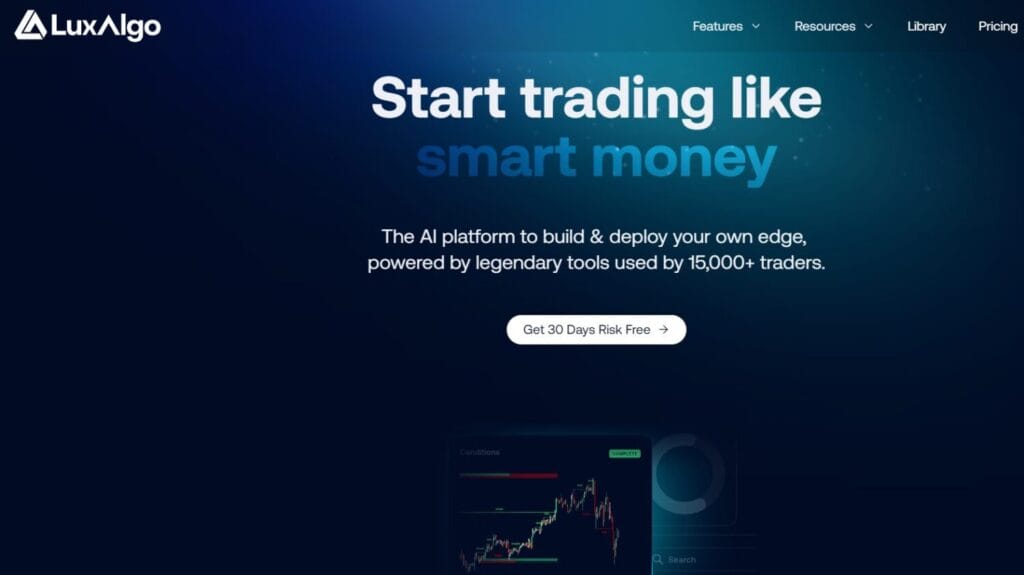
LuxAlgo is an AI-powered indicator suite built on TradingView. It overlays buy/sell signals, trend zones, liquidity zones, and order blocks directly on your charts — no manual drawing required.
It runs three core toolkits: Signals & Overlays (entry/exit signals), Price Action Concepts (structure-based trading), and Oscillator Matrix (momentum analysis). The Ultimate plan adds an AI Backtesting platform where you can generate, optimize, and automate strategies via webhooks — useful for prop firm challenge accounts.
Worth noting: LuxAlgo doesn’t give you order book data. It’s a visual decision layer built on price history. That’s a meaningful limitation if you want to read what institutional players are doing in real time.
💡 Expert Tip: LuxAlgo’s free library has hundreds of open-source indicators on TradingView, but the paid toolkits are a completely different product — consolidated, alert-ready, and designed as full trading workflows rather than individual scripts.
What is Bookmap?
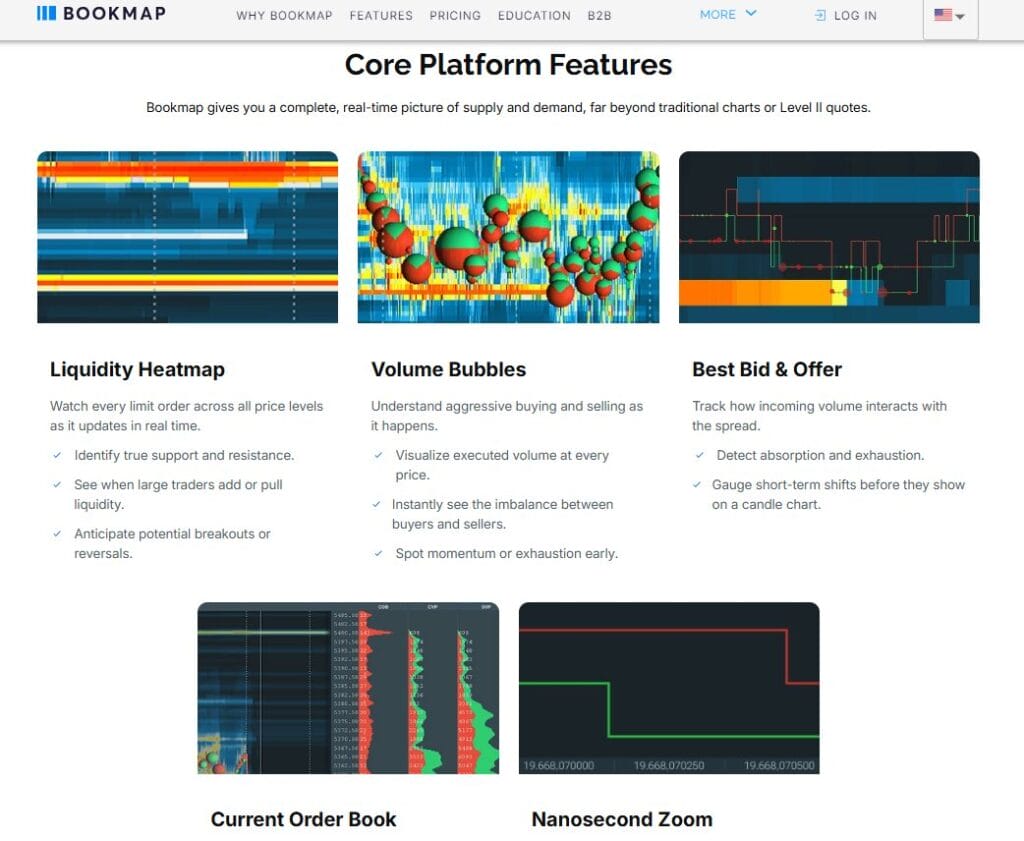
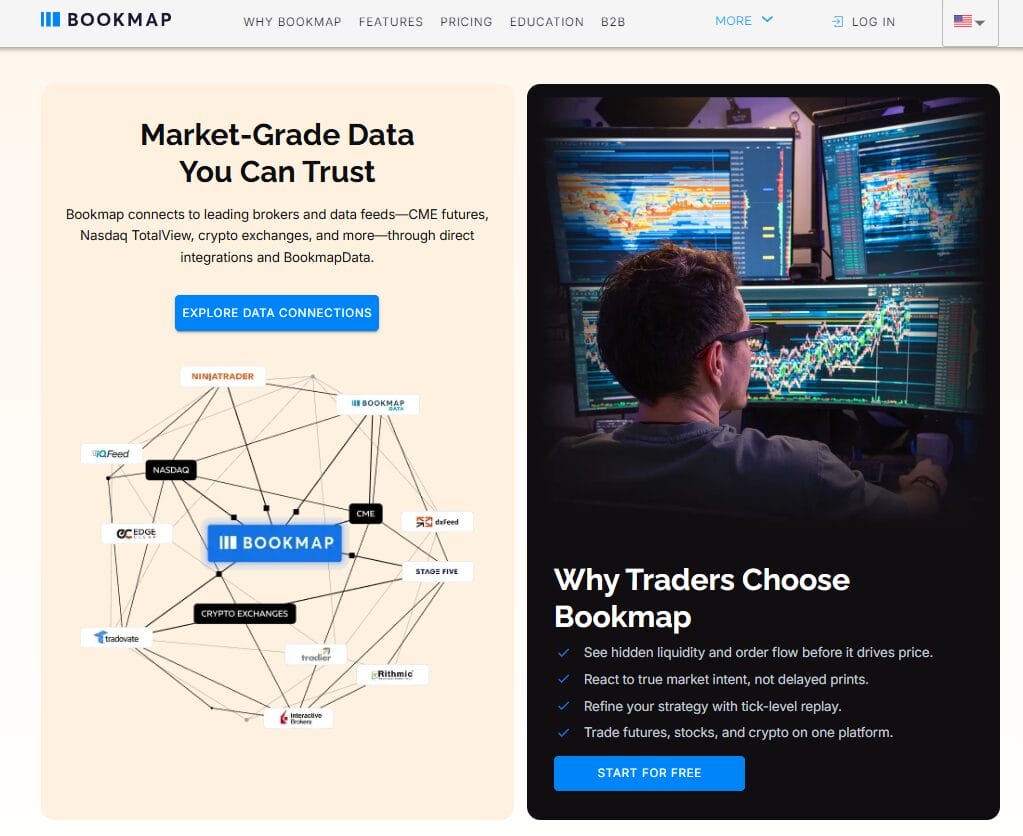
Bookmap is a dedicated order flow trading platform that visualizes the live order book as a heatmap — updated at up to 40 frames per second. Instead of showing where price has been, it shows where limit orders are sitting right now.
Professional and institutional traders use Bookmap to watch liquidity pile up at key price levels before a move, spot iceberg orders (large hidden institutional orders), and detect spoofing activity where orders disappear before execution. Its Cumulative Volume Delta (CVD) tool adds another layer — measuring net buying versus selling pressure bar by bar.
The catch: Bookmap doesn’t generate signals. You read the data and form your own interpretation. That requires a real understanding of market microstructure, which takes time to develop. Also, real-time futures and stock data cost extra on top of the subscription — data fees run $34–$79/month depending on the provider and exchange you choose.
What is GoCharting?
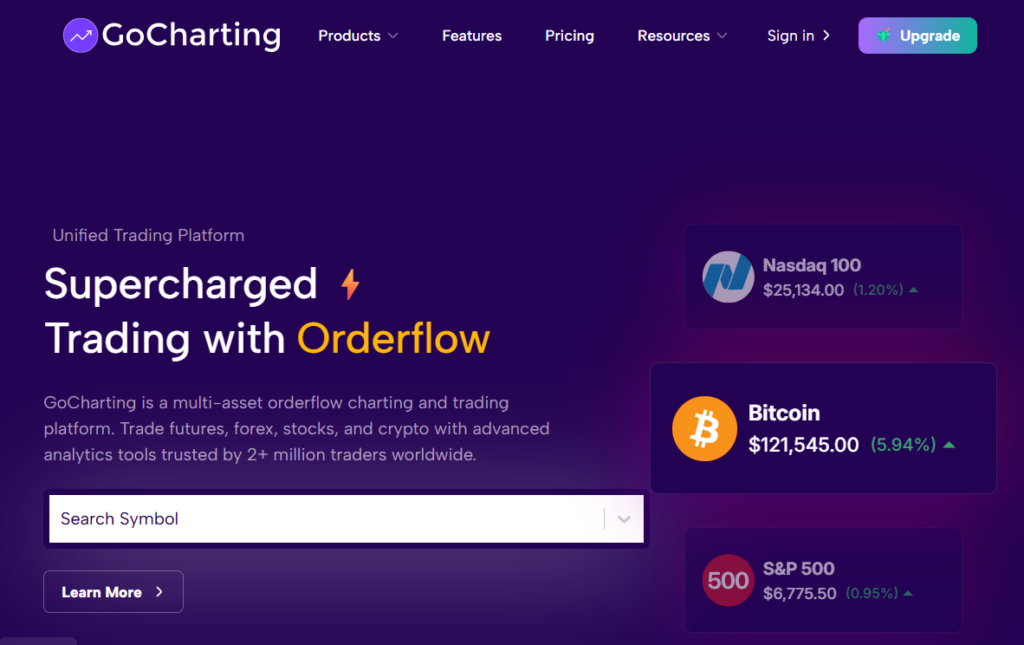
GoCharting is a web-based hybrid platform combining standard charting tools with order flow analysis. It’s the world’s first fully browser-based platform offering footprint charts, volume profile, VWAP, and market depth — no software install needed.
GoCharting covers NSE, BSE, MCX, crypto, forex, and US futures. You can trade directly from the chart interface via DOM panel, set bracket orders, and view options flow data. It’s particularly strong for Indian markets, where it’s built direct exchange connectivity for NSE and BSE data.
That said, GoCharting has a steeper learning curve than LuxAlgo, and some users report performance issues under heavy load or slow connections. It’s not as institutionally-grade as Bookmap — but it’s significantly more accessible and affordable.
LuxAlgo vs. Bookmap vs. GoCharting: Feature Comparison
The three platforms differ most in what data they prioritize — price history, live order book, or both.
| Feature | LuxAlgo | Bookmap | GoCharting |
|---|---|---|---|
| Platform type | Indicator suite (TradingView) | Standalone desktop platform | Web-based hybrid platform |
| Data type | Price-based indicators | Live order book (heatmap) | Both — charts + order flow |
| Order flow tools | ❌ None | ✅ Best-in-class (CVD, iceberg, DOM) | ✅ Strong (footprint, volume profile, DOM) |
| Signals generated | ✅ Yes (AI-based entry/exit) | ❌ No — interpret data yourself | ❌ No — tools only |
| Backtesting / automation | ✅ Yes (Ultimate plan) | ✅ Record/Replay mode | ⚠️ Limited |
| Direct trading | ❌ No (TradingView alerts to broker) | ✅ Global+ plan | ✅ Chart + DOM trading |
| Mobile usability | ✅ Via TradingView mobile app | ❌ Desktop-only | ⚠️ Web-responsive, not native |
| Learning curve | Low — beginner-friendly | High — requires microstructure knowledge | Moderate |
| Best for | Retail indicator traders | Professional / institutional traders | Retail-to-intermediate order flow learners |
| Compare all three platforms before committing — each free tier lets you test core features at zero cost. | |||
LuxAlgo vs. Bookmap vs. GoCharting: Pricing
Pricing varies a lot — and with Bookmap, the headline price doesn’t tell the full story.
| Plan | LuxAlgo | Bookmap | GoCharting |
|---|---|---|---|
| Free tier | Yes — free indicator library | Yes — Digital plan (crypto, delayed stocks) | Yes — historical data only |
| Entry paid plan | $39.99/mo (Premium) | $19/mo (Digital+, crypto) | Paid plan for real-time data |
| Mid tier | — | $49/mo (Global — futures + stocks) | — |
| Top tier | $59.99/mo (Ultimate + AI backtesting) | $99/mo (Global+ — direct trading, courses) | Variable by region/exchange |
| Hidden costs | Requires TradingView subscription | Data fees: +$34–$79/mo (market dependent) | None notable |
| Annual discount | Price locked at signup rate | ~20% off (e.g. Global at $39/mo annually) | Available |
| Bookmap’s total real-world cost (Global + market data) typically runs $83–$128/mo — significantly more than its headline price. | |||
LuxAlgo has a clean pricing model — but remember you also need a TradingView account, and the AI backtesting is locked to the $59.99/mo Ultimate tier. Bookmap’s data fees are the biggest gotcha: real-time CME futures or Nasdaq data costs an extra $34–$79/month on top of your subscription, which pushes the effective all-in cost well above the headline price.
Mobile App & Usability
Usability breaks down differently based on what the platform actually does.
LuxAlgo piggybacks on TradingView’s polished interface, which means you get full mobile access via TradingView’s iOS and Android apps. It’s the most flexible option for traders who switch between devices.

Bookmap is desktop-first and doesn’t have a meaningful mobile experience. The heatmap and DOM data are too information-dense to parse on a small screen anyway. Most serious Bookmap users run it on a dedicated multi-monitor setup. Some pair it with a VPS to ensure low-latency uptime during market hours.
GoCharting is fully web-based, so it works on any browser — including mobile. That said, the advanced order flow features are much harder to use on a phone screen. Think of it as “mobile-compatible” rather than “mobile-optimized.” Most users run it on a laptop or desktop.

Is Order Flow Trading Actually Better Than Indicator-Based Trading?
Here’s the honest answer: order flow gives you a closer look at what’s actually happening in the market right now, not a lagging interpretation of what already happened. Traditional indicators — RSI, MACD, Bollinger Bands — are all derived from past prices. By definition, they lag.
Bookmap’s heatmap, by contrast, shows you where large limit orders are sitting before price reaches them. That’s not a signal derived from history — it’s live market structure data. The catch is interpretation. A thick cluster of limit orders at a price level might hold, or it might be spoofing that evaporates when price arrives. Reading that correctly requires real experience.
That said, order flow doesn’t make indicator trading obsolete. Some traders combine LuxAlgo’s structural signals with GoCharting’s footprint data as a confirmation layer. The two approaches aren’t mutually exclusive — but mixing them requires a clear, consistent framework.
💡 Expert Tip: If you’re newer to trading, start with LuxAlgo. Learn to read price structure and market context first. Only add order flow tools like GoCharting when you can already form a directional thesis without them — otherwise the additional data creates noise, not clarity.
Which Platform Is Worth Paying For?
This is less about features and more about where you are in your trading journey.
- ✅ LuxAlgo — Pick this if you’re already on TradingView, rely on indicators, and want an all-in-one toolkit that simplifies entries and exits without a steep learning curve. The $39.99/mo Premium plan covers most use cases; upgrade to Ultimate only if you want AI backtesting and webhook automation.
- ✅ Bookmap — Pick this if you already understand market microstructure and want the deepest order flow data available to retail traders. Budget for the full all-in cost ($83–$128/mo with data fees) and expect to spend weeks learning to interpret heatmaps correctly before it clicks.
- ✅ GoCharting — Pick this if you want to transition from indicator-based to order flow trading without jumping straight into Bookmap’s complexity. Its free tier (historical data) is a solid starting point; the paid plans add real-time data when you’re ready.
One more thing: if you trade crypto primarily, Bookmap’s free Digital plan covers 20+ crypto exchanges with live data — making it more accessible for crypto traders than the pricing table suggests. For Indian markets, GoCharting is the clear winner given its direct NSE/BSE data connections.
⚡ Bottom Line: LuxAlgo wins on accessibility and ease of use for indicator traders. Bookmap wins on order flow depth for professionals who can handle the learning curve and all-in cost. GoCharting is the best practical middle ground — free historical access, web-based, and solid order flow tools without requiring a steep commitment upfront. Start with the free tier of whichever aligns with your current skill level.
Frequently Asked Questions
Order flow gives you real-time insight into where liquidity sits in the market — something no indicator can replicate, since all indicators are derived from past price data. That said, order flow is harder to read and requires meaningful experience before it produces an edge. For most retail traders, indicators are a better starting point, with order flow added once they can already form solid trade theses without it.
Beginners can start with GoCharting’s free historical tier to explore footprint charts and volume profile at no cost. Bookmap’s Digital plan is also free and covers live crypto data. However, both platforms require you to interpret data yourself — there are no auto-generated signals. Most beginners find LuxAlgo more immediately useful since it provides ready-made entry and exit signals on TradingView charts they’re already familiar with.
Yes — some traders use LuxAlgo’s structural signals (order blocks, liquidity zones) as a directional thesis, then validate entries using GoCharting’s footprint or Bookmap’s heatmap to confirm institutional activity at that level. It’s a valid approach, but it only works if you have a clear rule for when order flow confirms or overrides the indicator signal. Without that rule, combining both creates analysis paralysis rather than an edge.
Bookmap’s Global plan starts at $49/month, but real-time market data from CME or Nasdaq adds another $34–$79/month depending on your provider and exchange. A realistic all-in cost for the Global plan with futures data runs $83–$128/month. The Global+ plan at $99/month (or $79/month annually) includes additional tools and trading access, but still requires separate data subscriptions for live market feeds.
LuxAlgo on TradingView covers all major crypto pairs with full indicator access. Bookmap’s free Digital plan supports 20+ crypto exchanges with live data — a solid option for crypto-only order flow. GoCharting also covers crypto but is strongest for Indian exchange data (NSE, BSE, MCX). For crypto traders who want order flow without spending on Bookmap data fees, Bookmap’s free Digital plan is worth testing first.
Related Reading
📋 Trading Platform Comparisons
- LuxAlgo vs. TrendSpider vs. Trade Ideas: Best Automated Technical Analysis Tool
- LuxAlgo vs. Zeiierman vs. Lune Trading: Which Has the Best Community Support?
- Best Charting Tools for Traders
- Best Crypto Charting Tools
📘 Trading Indicators & Signals