Affiliate Disclosure: This post contains affiliate links. If you sign up through them, CoinCodeCap may earn a commission at no extra cost to you. Read the full disclosure.
The real question is not whether LuxAlgo is a good product — it is a good product — but whether the $40 per month delivers enough additional value over the best free alternatives to justify the recurring cost. This comparison breaks down LuxAlgo vs free TradingView indicators across features, pricing, usability, and real trading utility
LuxAlgo vs. Free TradingView Indicators: Overview
LuxAlgo Premium
LuxAlgo positions itself as a full trading intelligence platform rather than just a set of scripts. The $39.99 per month Premium plan (or $27.99 per month billed annually for the first year) unlocks three flagship toolkits — Price Action Concepts, Signals & Overlays, and the Oscillator Matrix — plus screeners, synced alerts, an AI-assisted strategy builder, and Pine Script code generation through its Quant assistant. LuxAlgo also runs a Discord community of more than 150,000 members and offers nearly 24/7 live chat support, which is part of what the subscription actually pays for. The Signals & Overlays toolkit has historically been one of the most-liked paid indicators on TradingView, and the broader ecosystem is one of the most polished on the platform.

Free TradingView Indicators
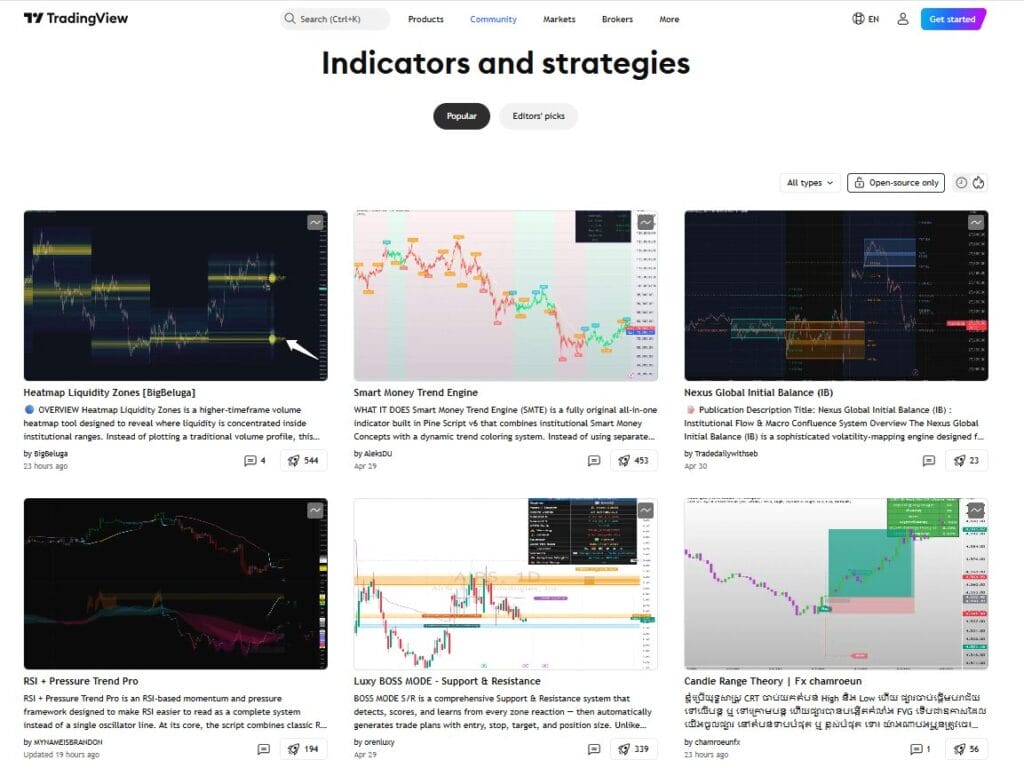
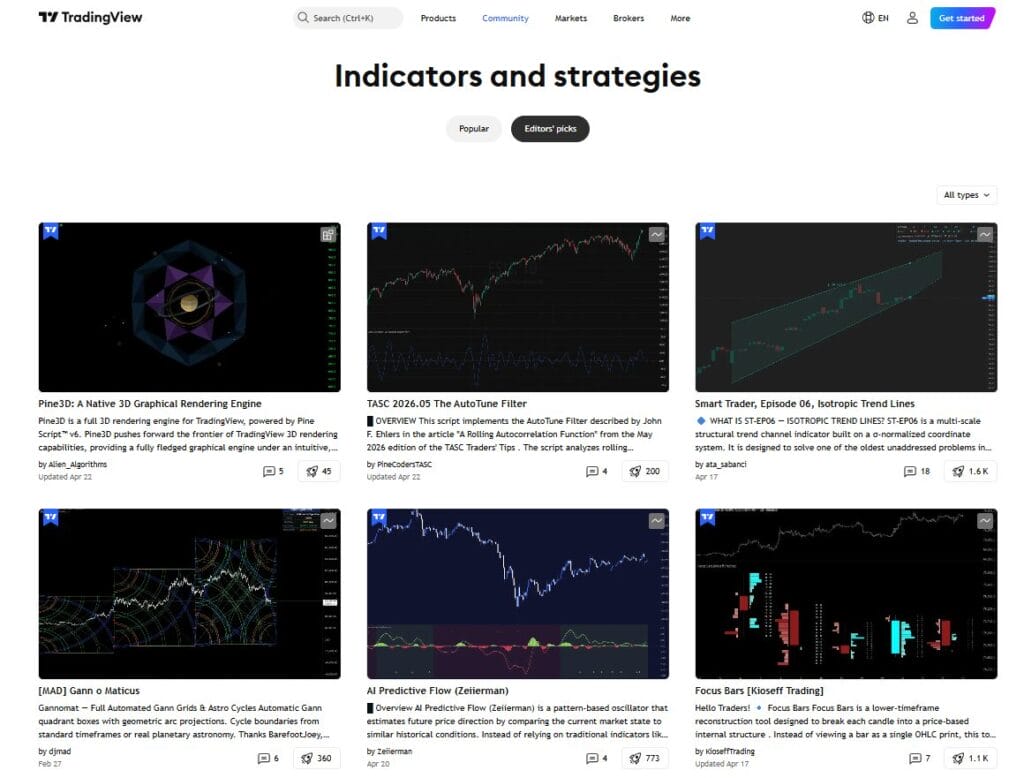
Free TradingView indicators refers to the public Community Scripts library and TradingView’s built-in indicators. TradingView has stated that more than 150,000 scripts have been published, with roughly half open-source, and a curated group of top contributors — the Pine Wizards — publish institutional-quality work at no cost. Notable free indicators include LuxAlgo’s own Smart Money Concepts script (the most-liked paid-company free indicator on TradingView), the Lorentzian Classification machine-learning indicator by jdehorty, SuperTrend, the Squeeze Momentum Indicator by LazyBear, and the full BigBeluga and AlgoAlpha free libraries. Quality varies widely, but the ceiling is high and the floor can be avoided by sticking to Editors’ Picks and known authors. The real cost of running free indicators effectively is usually the TradingView subscription needed to run more than two indicators per chart.
LuxAlgo vs. Free TradingView Indicators: Key Features
LuxAlgo Premium
• Three coordinated toolkits: Price Action Concepts handles market structure, order blocks, fair value gaps, and liquidity. Signals & Overlays layers directional signals on top, and the Oscillator Matrix covers momentum and divergences — all designed to work together rather than as standalone pieces.

• AI-assisted research: The Ultimate plan unlocks an AI backtester that explores large volumes of strategy combinations automatically, and the Quant assistant generates and validates custom Pine Script indicators through a chat-style interface.
• Screeners and alert routing: Multi-symbol screeners scan setups across markets, and alerts can be routed to email, webhooks, and third-party execution platforms without leaving the LuxAlgo ecosystem.
• Community and support layer: A 150,000+ Discord community, nearly 24/7 live chat, and community-tuned presets significantly reduce the setup time new users usually spend on free indicators.
• Cross-platform free library: LuxAlgo also publishes hundreds of free indicators on TradingView, MetaTrader 4/5, NinjaTrader, and Thinkorswim, so some of the brand’s most recognizable tools are still available without a subscription.
• Best suited for convenience-focused traders: LuxAlgo fits traders who want a polished signal and research experience with minimal setup friction, and who value their time more than the $40 a month.

Free TradingView Indicators
• Massive script library: More than 150,000 published scripts on TradingView, with roughly half open-source, covering every technical concept from market structure to machine learning.
• Pine Wizards quality ceiling: A curated group of top contributors — including LonesomeTheBlue, alexgrover, DonovanWall, and KivancOzbilgic — publishes scripts that rival anything behind a paywall.
• Open-source code: Most free scripts expose their Pine Script source, so traders can read the logic, modify it, and fork it into custom indicators — something paid suites almost never allow.
• Machine-learning options: Free indicators like the Lorentzian Classification by jdehorty bring k-Nearest Neighbors machine learning and Rational Quadratic kernel regression to TradingView without a subscription, and the same author has since released a paid Premium version for users who want extended feature dimensionality.
• Free tools from paid brands: LuxAlgo’s free Smart Money Concepts indicator, BigBeluga’s free Price Action Smart Money Concepts, and AlgoAlpha’s 100+ open-source scripts all sit in the free library, so traders can sample the best of the paid brands without paying.
• Best suited for learners and self-directed traders: Free indicators fit traders who enjoy reading code, want full control over logic, or already know their edge comes from execution and risk management rather than signal sophistication.
LuxAlgo vs. Free TradingView Indicators: Pricing
| Option | Pricing Model | Current Pricing | What You’re Paying For |
| LuxAlgo Premium | Monthly or annual subscription | Premium is $39.99/month or $27.99/month billed annually (first year around $336, renewing at $479.88/year). Ultimate is $59.99/month or $32.99/month billed annually. A Free plan with limited access is available. A 30-day money-back guarantee applies to first-time subscribers. | The three flagship toolkits, screeners, alerts, AI backtesting (Ultimate only), the Quant code assistant, live support, and Discord community access. |
| Free TradingView indicators | Free scripts plus optional TradingView subscription | The scripts themselves are free. The free TradingView Basic plan limits users to 2 indicators per chart. TradingView Essential is around $12.95/month, Plus around $28.29/month, Premium around $56.49/month, and Ultimate around $199.95/month (billed annually), and these unlock more indicators per chart, more alerts, and more historical data. | Access to 150,000+ community scripts, open-source code, and TradingView’s core charting, alerts, and data features on paid tiers. |
| Annual cost comparison | Effective yearly spend | LuxAlgo Premium costs about $336 for year one and $479.88 from year two onward, assuming annual billing. Free TradingView indicators paired with a TradingView Plus plan cost around $339/year total. Free indicators paired with just the Basic TradingView plan cost $0/year, with the two-indicator-per-chart limitation. | LuxAlgo’s year-one cost is comparable to TradingView Plus plus free indicators, but renewal is about 40% more expensive than the free-indicator workflow. |
LuxAlgo vs. Free TradingView Indicators: Comparative Analysis
| Comparison Factor | LuxAlgo Premium | Free TradingView Indicators |
| Core model | Subscription-based ecosystem bundling indicators, screeners, alerts, AI backtesting, and a code assistant into one workflow. | Open library of 150,000+ community scripts across every technical category, with no recurring cost for the indicators themselves. |
| Best strength | Coordinated workflow and time savings. Everything works together without manual integration, and the community reduces tuning time. | Breadth and transparency. Anything from moving averages to machine-learning classifiers is available, and most scripts expose their source code for inspection or modification. |
| Signal quality | Strong on average, with closed-source logic and some user-flagged concerns about repainting and backtest reliability. | Variable. Pine Wizards produce excellent signals; random community scripts often do not. The filtering work is on the trader. |
| Smart Money Concepts coverage | Price Action Concepts offers the most comprehensive paid SMC implementation, with volumetric order blocks and multi-timeframe liquidity dashboards. | LuxAlgo’s own free Smart Money Concepts indicator is the most-liked paid-company free indicator on TradingView, covering BOS, CHoCH, order blocks, FVGs, and premium/discount zones. |
| Machine-learning indicators | AI backtesting on Ultimate and AI-assisted Pine Script generation through Quant. | Lorentzian Classification by jdehorty uses k-Nearest Neighbors with Lorentzian distance metrics and is one of the most popular free ML indicators on TradingView. |
| Customization level | Configurable inputs, but signals are closed-source and cannot be forked or deeply modified. | Highest. Open-source scripts can be read, edited, combined, and backtested in Pine Editor directly. |
| Backtesting and strategy development | Strong on the Ultimate plan with AI-driven strategy exploration and synced live alerts. | TradingView’s built-in Strategy Tester works with any free strategy script, giving full control over backtesting logic but requiring more manual setup. |
| Cost efficiency | About $336 year one and $479.88 onward on the annual Premium plan. | Zero if using TradingView Basic, or around $155 to $339 per year depending on the TradingView plan chosen. |
| Who it suits most | Active traders who value time, want a cohesive workflow, and prefer a polished experience over deep customization. | Traders who want flexibility, code transparency, budget efficiency, or already know their edge comes from execution rather than tool sophistication. |
Is the $40/Month LuxAlgo Subscription Actually Worth It?
The honest answer is that LuxAlgo is worth it for a specific kind of trader and not worth it for everyone. At $39.99 per month, Premium is priced for traders who spend several hours a day on charts and who treat trading tools as a productivity investment rather than a lottery ticket. For that trader, the coordinated toolkits, time savings, community presets, and nearly 24/7 support can easily pay for themselves in recovered hours and faster decision-making.
For the average retail trader who logs in a few times a week, trades a handful of setups, and already has a working strategy with free indicators, $40 per month is usually not worth it. A disciplined trader running LuxAlgo’s own free Smart Money Concepts indicator, the Lorentzian Classification for ML-based signals, SuperTrend for trend confirmation, and a Pine Wizard oscillator of their choice can replicate 70–80% of LuxAlgo Premium’s practical output for zero additional cost, minus the community and support layer.
The Lorentzian Classification vs LuxAlgo comparison is a useful way to understand the tradeoff. Lorentzian Classification is a sophisticated k-Nearest Neighbors classifier with Rational Quadratic kernel regression, adjustable volatility, regime, ADX, and EMA/SMA filters, and it costs nothing. LuxAlgo’s paid signal logic is easier to interpret and better supported, but it is not meaningfully more accurate than a well-tuned Lorentzian setup. The honest comparison is not “free versus paid signal quality” but “free plus learning time versus paid plus monthly cost.”
For SMC traders specifically, the free TradingView SMC indicators versus paid calculation tilts further toward free. LuxAlgo’s own free Smart Money Concepts script already covers BOS, CHoCH, order blocks, fair value gaps, equal highs and lows, and premium and discount zones. The paid upgrade — Price Action Concepts — adds volumetric order blocks and multi-timeframe liquidity dashboards, which matter for advanced SMC traders but are often overkill for retail use cases.
LuxAlgo vs. Free TradingView Indicators: Conclusion
LuxAlgo is a legitimately good product, and the $39.99 per month Premium plan delivers real value in time savings, workflow coherence, and community support. But it is not a magic performance upgrade, and the free TradingView ecosystem has caught up to a point where a well-assembled free workflow can match most of what the subscription delivers. The cost difference over two years is roughly $960, which is a meaningful amount of capital for most retail traders.
The smartest approach is to start with the free tier and the best free indicators available — LuxAlgo’s own free Smart Money Concepts, Lorentzian Classification, SuperTrend, Squeeze Momentum, and a Pine Wizard or two — for 30 to 60 days. Identify the specific gap in the workflow, then try LuxAlgo Premium on the 30-day money-back guarantee. If the paid toolkit genuinely closes that gap and saves time, the subscription is worth it. If the free workflow was already covering the core needs, cancel and keep the $40 a month. LuxAlgo worth it ultimately depends on how a trader values convenience versus customization, and whether their edge comes from tool sophistication or from discipline applied to any capable toolset.
Frequently Asked Questions
What is the difference between LuxAlgo vs free indicators in terms of quality?
LuxAlgo’s paid signal logic is more polished, better integrated, and better supported than the average free script. However, free indicators by Pine Wizards and paid-brand free releases (including LuxAlgo’s own free tools) match the quality of paid equivalents in most retail use cases. The biggest real difference is convenience and community support, not raw signal quality.
Are free TradingView SMC indicators vs paid ones equally effective?
For most retail traders, yes. LuxAlgo’s free Smart Money Concepts indicator covers the core SMC toolkit — BOS, CHoCH, order blocks, FVGs, and premium and discount zones — effectively. The paid Price Action Concepts upgrade adds volumetric order blocks and multi-timeframe liquidity dashboards, which add value for advanced SMC traders but are often unnecessary for casual users.