Affiliate Disclosure: This post contains affiliate links. If you sign up through them, CoinCodeCap may earn a commission at no extra cost to you. Read the full disclosure.
Most traders spend more time setting up charts than actually trading from them. LuxAlgo was built to fix that. It is an AI algorithmic trading platform that sits inside TradingView and handles the analytical heavy lifting automatically, from Smart Money Concepts to AI strategy generation and backtesting, without requiring a single line of code. This review covers what LuxAlgo actually does, how its key features work in practice, where it falls short, and whether it is worth the subscription for traders at different levels.
What Is LuxAlgo?
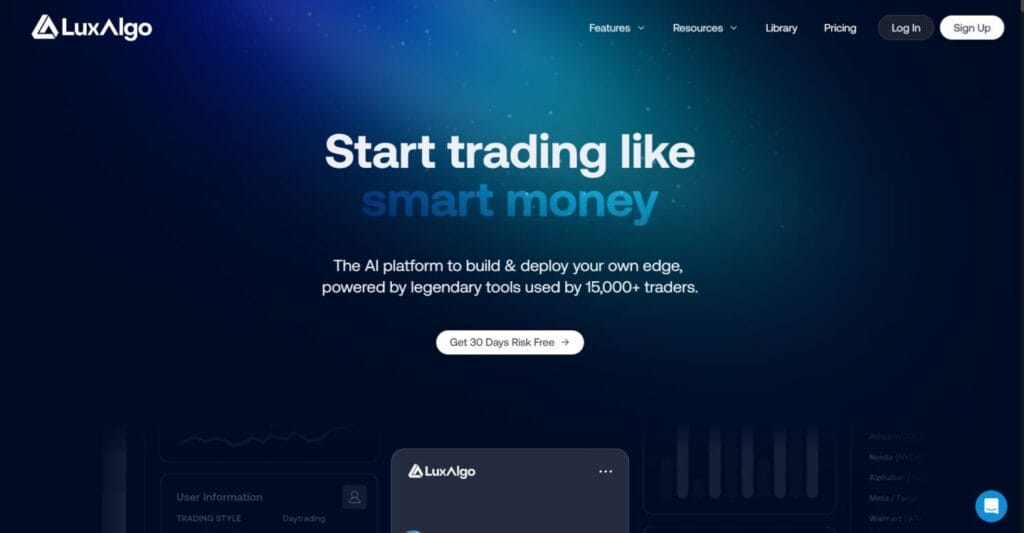
Most trading indicator subscriptions hand you a set of tools and leave you to figure out what to do with them, but LuxAlgo takes a different position. It is an AI algorithmic trading platform built around the idea that retail traders deserve the same quality of systematic analysis that professional desks have always had access to, delivered directly inside TradingView without requiring any programming knowledge.
Founded in 2020 and used by over 50,000 traders worldwide, LuxAlgo has grown into one of the most recognised names in the TradingView ecosystem. Its Signals and Overlays toolkit holds the title of the highest-rated paid indicator on TradingView with over 30,000 likes. The Discord community sits above 150,000 members. The platform now extends well beyond indicator packs into AI strategy generation, automated backtesting, precision alerts, and multi-ticker screeners.
How LuxAlgo Approaches the Market
LuxAlgo is built on a structured belief: most retail traders fail not because markets are impossible to read, but because they lack a systematic way to read them. The platform addresses this through three interconnected layers.

The first layer is the indicator suite, called Algos. These are purpose-built toolkits covering price action, momentum, trend, and Smart Money Concepts. They sit directly on TradingView charts and do the analytical work automatically: drawing order blocks, marking fair value gaps, flagging liquidity sweeps, and detecting market structure shifts in real time without any manual chart marking.
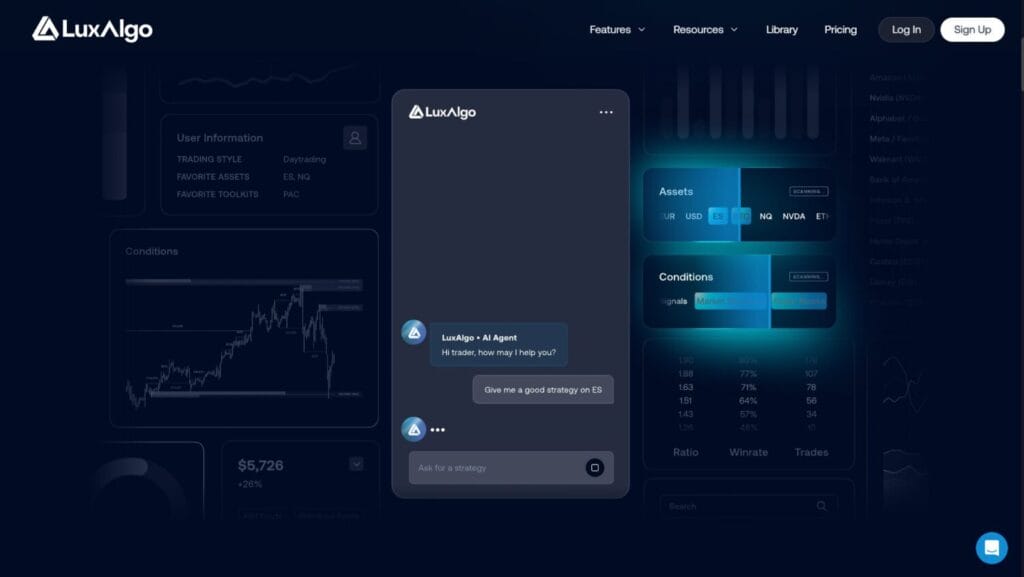
The second layer is Quant, LuxAlgo’s AI coding agent. It takes natural language descriptions or uploaded chart screenshots and converts them into working Pine Script v6 code for TradingView. Traders who have a strategy idea they cannot code now have a direct path from concept to deployed indicator.
The third layer is AI Backtesting. It explores millions of strategy combinations automatically, surfaces the configurations that have historically performed best, and deploys the results as live alerts in seconds. The entire process from idea to live execution can happen without the trader writing a single line of code.
Key Features

Price Action Concepts (PAC)
PAC is LuxAlgo’s flagship toolkit and one of the most comprehensive Smart Money Concepts implementations available to retail traders. It automates the identification of order blocks, fair value gaps, liquidity zones, chart pattern zones, market structure breaks, and changes of character directly on the chart. Every level updates in real time as price action develops. Traders who previously spent hours manually marking up charts now have that context delivered automatically, with alerts that trigger when price interacts with any of these levels.
Signals and Overlays
The Signals and Overlays toolkit generates directional buy and sell signals using proprietary trend-following, contrarian entry, and dynamic support and resistance algorithms. Multiple signal models can be stacked and configured independently. The toolkit covers all timeframes on TradingView, works across stocks, crypto, forex, and commodities, and is compatible with TradingView’s free plan. It is the highest-rated paid indicator on the platform for a reason: the signals are clearly marked, the alert system is flexible, and the overlay approach keeps charts readable rather than cluttered.
Oscillator Matrix
The Oscillator Matrix is a lower panel tool that combines divergence detection, money flow quantification, and momentum tracking into one instrument. It identifies early moves and exhaustion signals that other tools miss and pairs cleanly with everything else in the LuxAlgo suite. Traders who want a single oscillator that covers multiple analytical dimensions without running three separate lower-panel indicators will find this particularly useful.
LuxAlgo Quant
Quant is the platform’s AI agent for Pine Script generation. It accepts natural language prompts, chart image uploads, and existing code for debugging. It validates scripts against Pine Script v6 standards before output, reducing deployment errors significantly. For traders who have always had strategy ideas they could not implement due to coding barriers, Quant removes that constraint entirely. It is integrated with LuxAlgo’s own knowledge base, which means it understands LuxAlgo-specific concepts and can inject them into custom scripts on request.
AI Backtesting and Precision Alerts
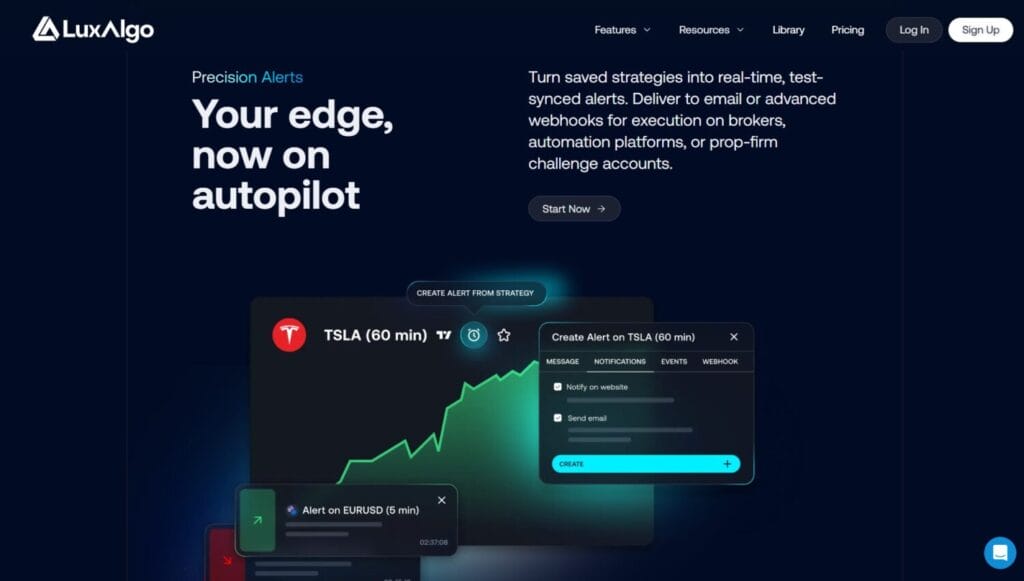
The AI Backtesting engine explores millions of strategy combinations against historical data and surfaces the configurations that performed best. Results can be reviewed through a chat interface, tuned further inside TradingView’s Strategy Tester, and then converted directly into live alerts. Those alerts are routed by email or webhook to brokers, automation platforms like TradersPost and WunderTrading, and prop firm challenge accounts. The entire loop from strategy discovery to automated execution does not require leaving the LuxAlgo environment.
Multi-Ticker Screeners
LuxAlgo offers three integrated screeners: the PAC Screener for price action setups, the Signals and Overlays Screener for momentum opportunities, and the Oscillator Screener for divergence and money flow signals. All three run on LuxAlgo’s own servers rather than the user’s browser, which means real-time results across thousands of tickers without lag or refresh requirements. Results can be sorted by volume, volatility, bullish and bearish strength, or custom metrics.
What LuxAlgo Is Not
LuxAlgo is TradingView-first. While indicators are available on NinjaTrader, MetaTrader 4 and 5, and Thinkorswim, the full platform experience, including Quant, AI Backtesting, and screeners, runs inside TradingView. Traders whose primary environment is a desktop platform like Sierra Chart or ATAS will find the offering limited.
The platform does not execute trades. Alerts route to third-party automation platforms for execution, which means there is an additional setup step between the strategy signal and live order. Traders who want a fully integrated signal-to-execution loop within a single product should factor this in.
Some user feedback raises concerns about indicator repainting on certain signal types. LuxAlgo acknowledges this in its documentation and recommends confirmed bar conditions for live trading decisions. Backtesting results, as the platform’s own disclaimer notes, reflect simulated performance and do not guarantee live trading outcomes.
Who Should Use LuxAlgo
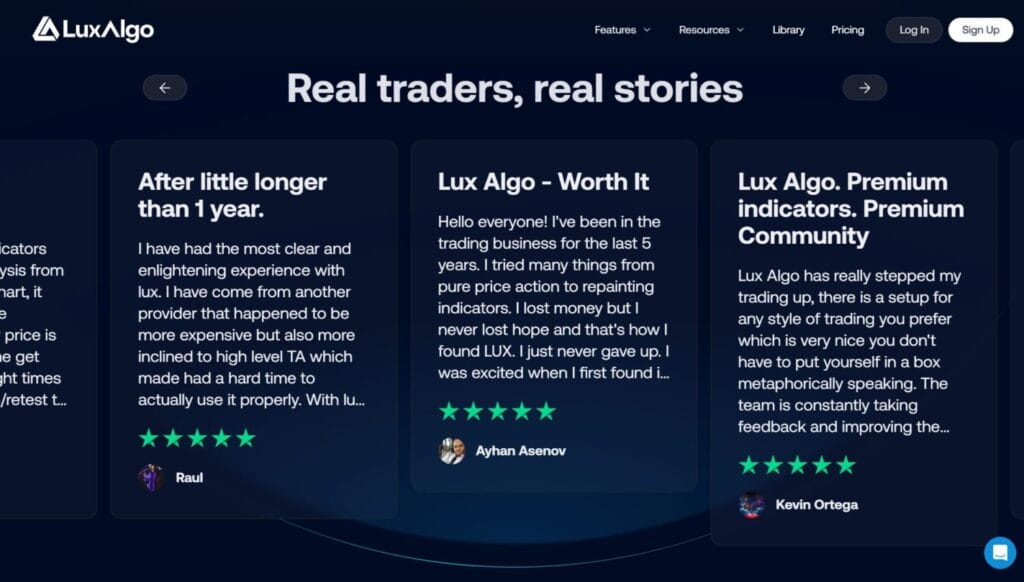
LuxAlgo is well-suited for three types of traders. First, chart-based traders who want institutional-grade Smart Money Concepts and signals delivered automatically inside TradingView without manual markup. Second, intermediate to advanced traders who want to build, backtest, and deploy custom strategies without learning Pine Script. Third, prop firm traders need reliable alert systems that route directly to challenge accounts with webhook support.
Complete beginners can access the LuxAlgo Library for free indicators before committing to a paid plan. The 30-day money-back guarantee on first-time subscriptions removes the risk of trying the premium tools.
Pricing starts at $27.99 per month billed annually for the Premium plan and $32.99 per month billed annually for the Ultimate plan, which adds the full AI Backtesting suite and priority support.
Conclusion
LuxAlgo earns its reputation not just because of how many traders use it, but because of what it actually replaces: hours of manual chart markup, trial-and-error strategy building, and the constant frustration of having ideas you cannot implement. The indicator suite is genuinely best-in-class on TradingView. Quant and AI Backtesting push it into a different category from any comparable subscription. The limitations around trade execution and TradingView dependency are real, but they are known tradeoffs rather than surprises. For chart-based traders who want a systematic edge without coding, LuxAlgo remains one of the strongest options available in the market.
Frequently Asked Questions (FAQs)
Does LuxAlgo work on TradingView’s free plan?
Yes. All LuxAlgo premium indicators including Signals and Overlays, Price Action Concepts, and the Oscillator Matrix are compatible with TradingView’s free plan. A paid TradingView subscription is not required to use LuxAlgo tools on the platform.
Can LuxAlgo execute trades automatically?
Not directly. LuxAlgo generates alerts that route via webhook to third-party automation platforms such as TradersPost and WunderTrading, which then execute orders with connected brokers. The strategy-to-execution pipeline works but requires setting up the automation connection separately.
What is the difference between the Premium and Ultimate plans?
The Premium plan covers the full indicator suite, screeners, Quant access, and standard alerts. The Ultimate plan adds the full AI Backtesting engine, the deep learning optimisation dashboard, priority support, and advanced alert routing. Annual billing applies to both plans.
Are LuxAlgo indicators available on platforms other than TradingView?
Yes. Core indicators are available for NinjaTrader, MetaTrader 4, MetaTrader 5, and Thinkorswim. However, the full platform experience, including Quant, AI Backtesting, and the screener suite, is exclusive to the TradingView integration.
Is there a free version of LuxAlgo?
Yes. The LuxAlgo Library offers a collection of free indicators published on TradingView and other platforms. These provide a solid introduction to the approach before deciding whether the premium toolkits are worth the subscription cost.